iTerm2
iTerm2 is an open source replacement for Apple's Terminal. It's highly customizable and comes with a lot of useful features.
Installation
Note: Instead of downloading iTerm from the website you can use Homebrew
brew cask install iterm2
You can download the app from here. Once downloaded, drag and drop the iTerm application file into your Applications folder.
Customization
Colors and Font Settings
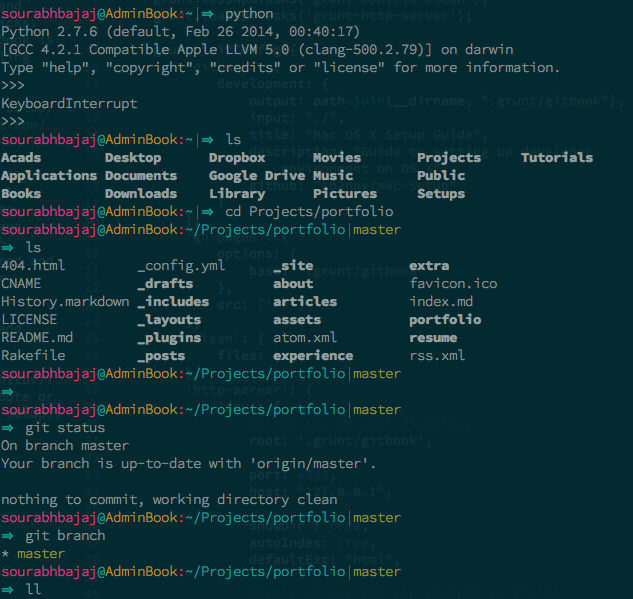
Here are some suggested settings you can change or set, they are all optional.
- Set hotkey to open and close the terminal to
command + option + i - Go to profiles -> Default -> Terminal -> Check silence bell to disable the terminal session from making any sound
- Download one of iTerm2 color schemes from here. And then set these to your default profile colors.
- Change the cursor text and cursor color to yellow make it more visible
- Change the font to 14pt Source Code Pro Lite. Source Code Pro can be downloaded from here.
- If you're using BASH instead of ZSH you could add
export CLICOLOR=1line to your~/.bash_profilefile for nice coloring of listings
MacOS shortcuts ⌘←, ⌘→ and ⌥←, ⌥→
You might be familiar with shortcuts to skip a word (⌥) or go to start/end of the line (⌘), iTerm is not set up to work with these shortcuts by default.
Open up iTerm2 preferences -> Profiles -> Keys -> Click on + icon (add new Keyboard shortcut).
| shortcut | action | send |
|---|---|---|
| ⌘← | SEND ESC SEQ | OH |
| ⌘→ | SEND ESC SEQ | OF |
| ⌥← | SEND ESC SEQ | b |
| ⌥→ | SEND ESC SEQ | f |